Styles and themes
Style sets shapes, borders, shadows and type. Theme sets colors. Both apply to everything on the device and are under Settings → Display and in Home Assistant.
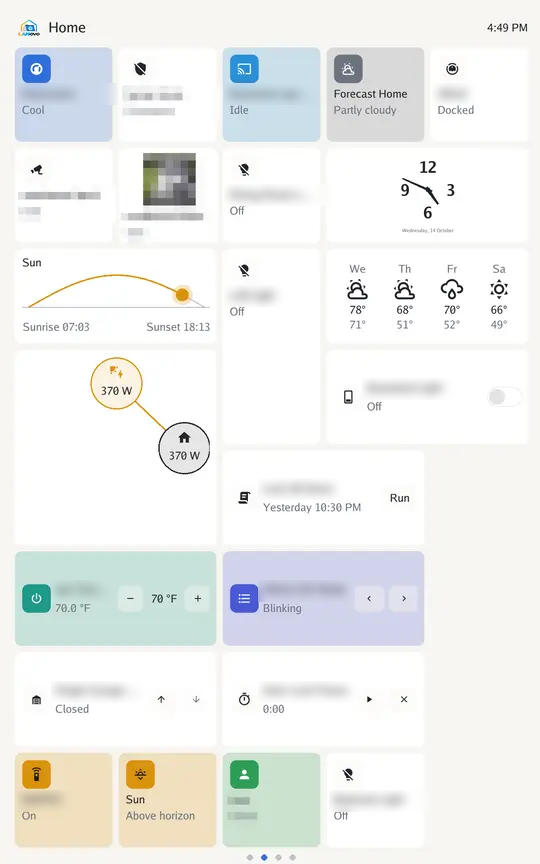
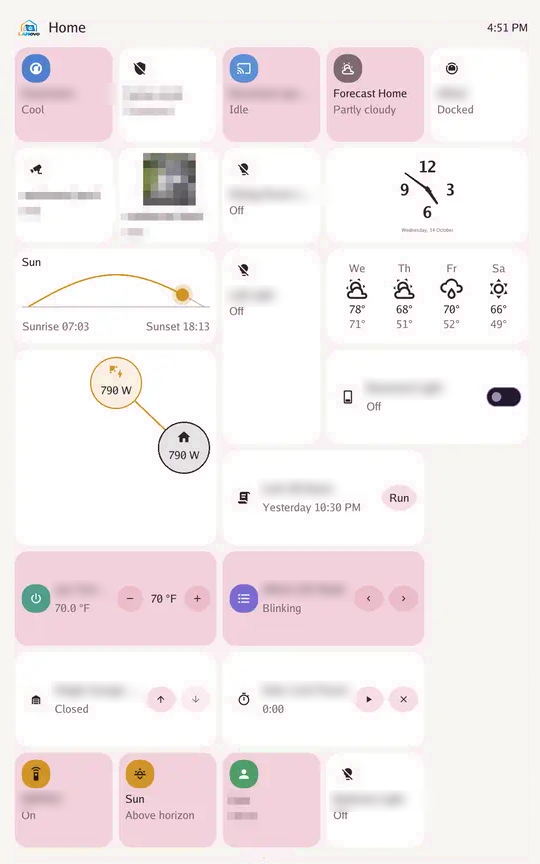
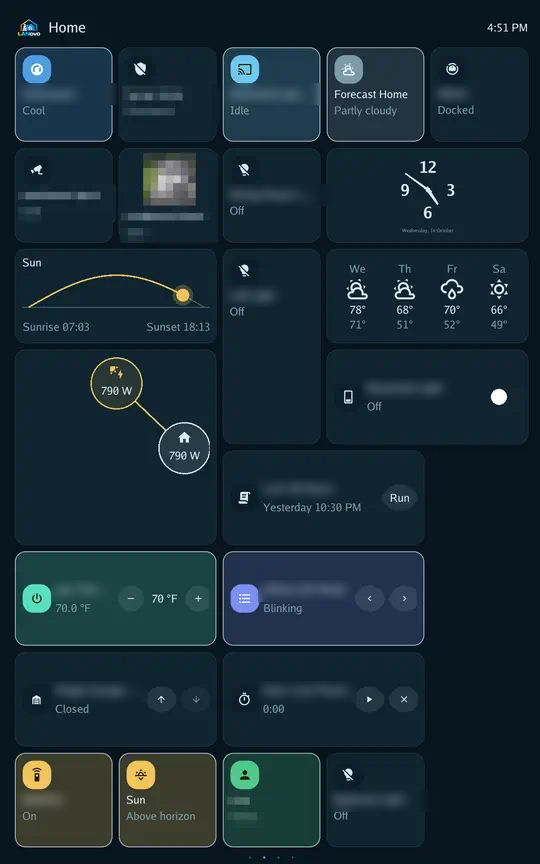
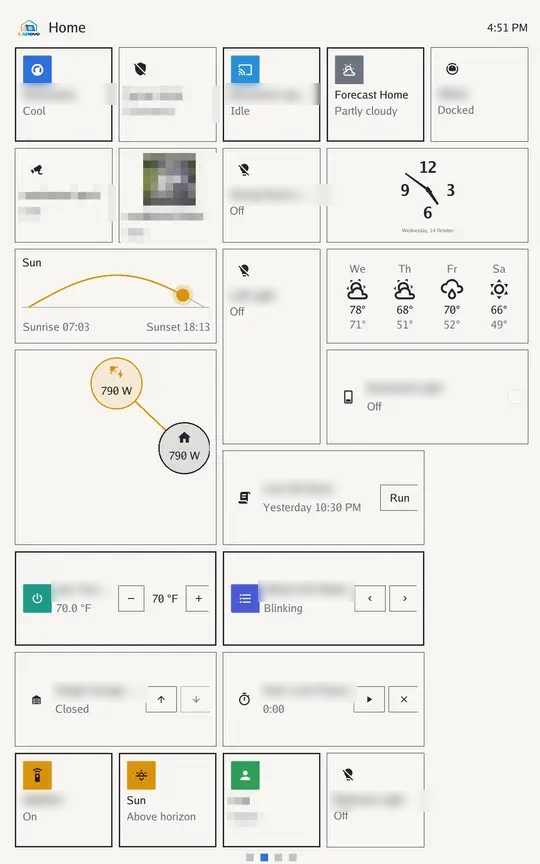
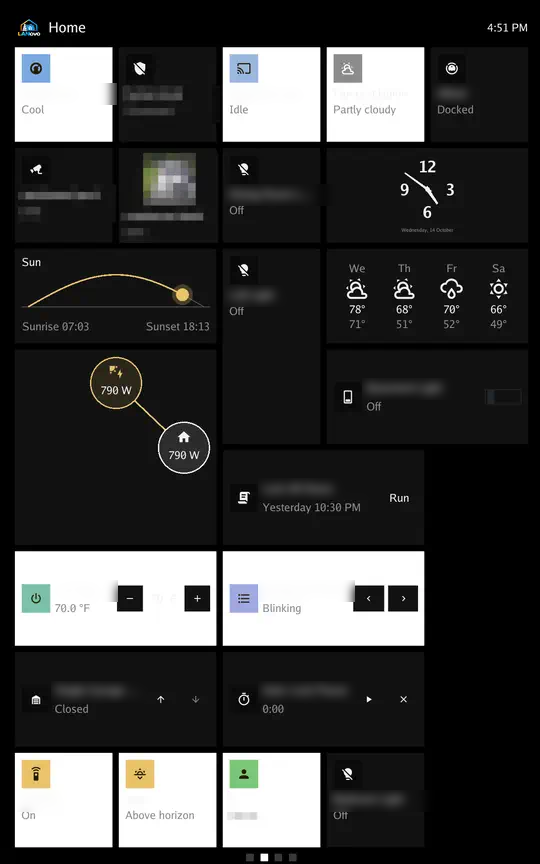
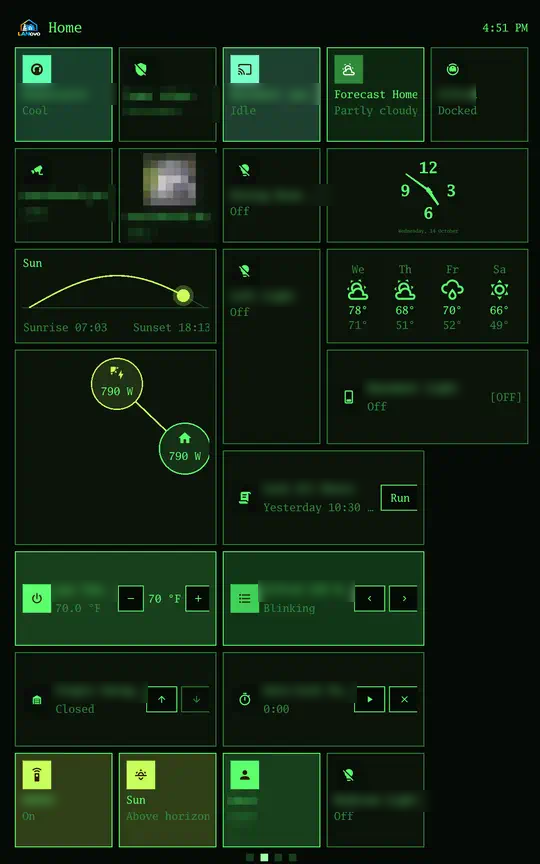
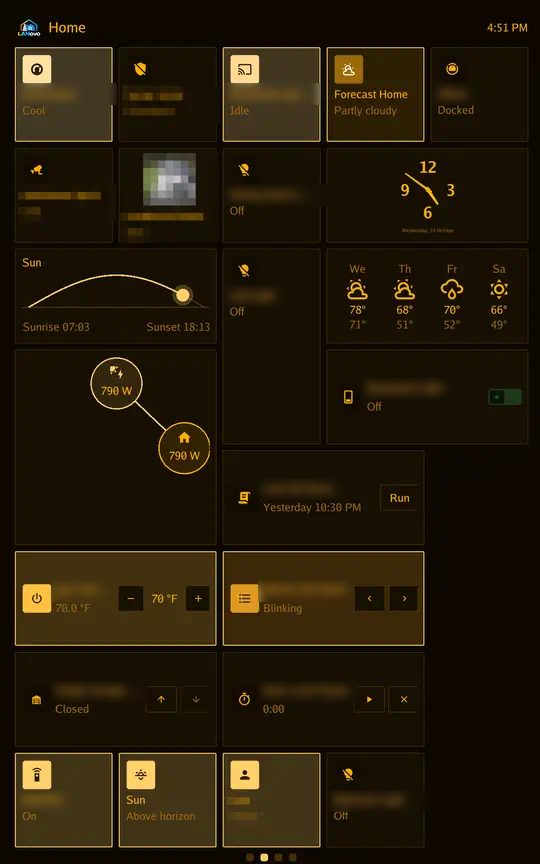
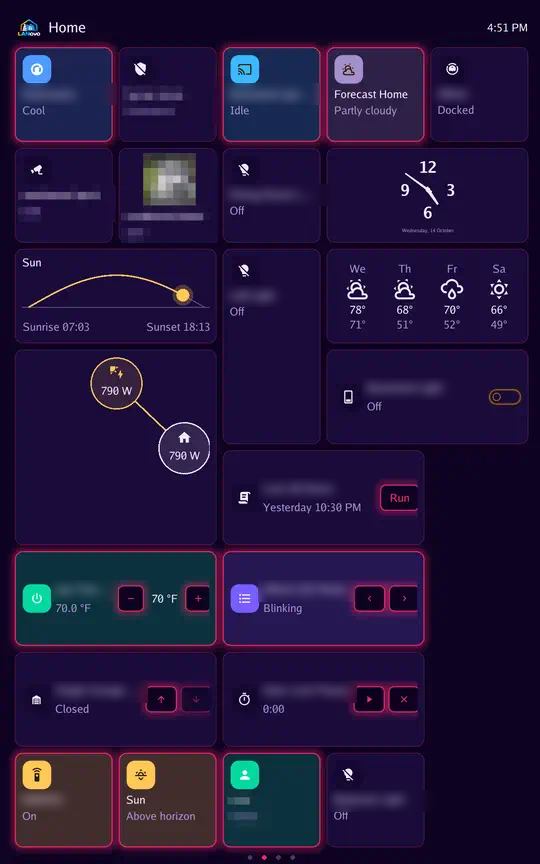
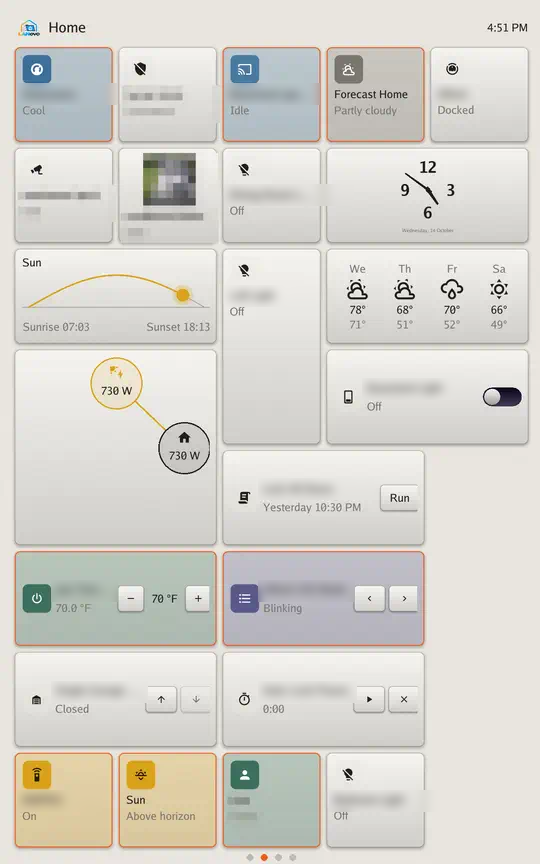
Styles
Section titled “Styles”| Style | Look |
|---|---|
| Standard | Flat cards |
| Material You | Rounded tiles |
| Glass | See-through panels |
| E-ink | Paper and ink |
| Metro | Flat squares |
| Terminal | Monospace, green screen |
| Hi-fi | Backlit receiver display |
| Neon | Glowing outlines |
| Skeuo | Raised buttons |
Themes
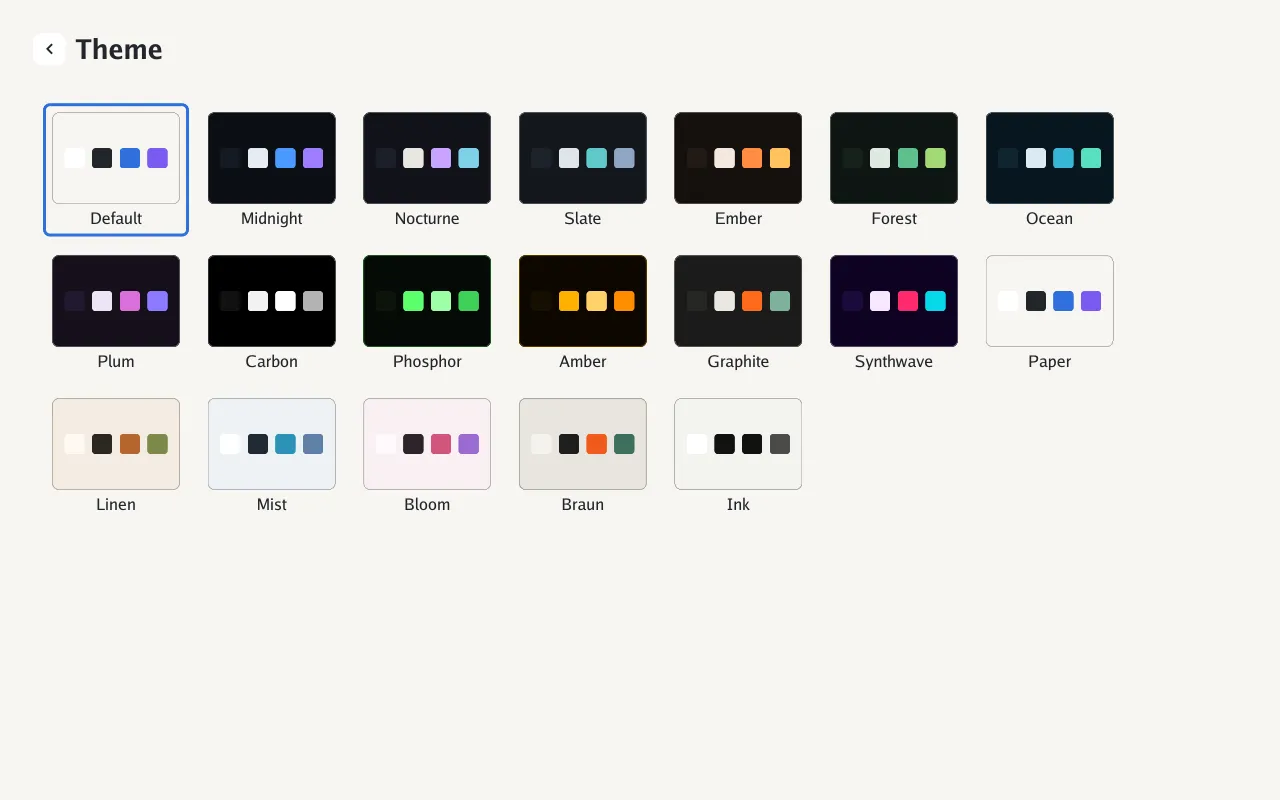
Section titled “Themes”Default uses the style’s palette.
- Dark: Midnight, Nocturne, Slate, Ember, Forest, Ocean, Plum, Carbon, Phosphor, Amber, Graphite, Synthwave
- Light: Paper, Linen, Mist, Bloom, Braun, Ink
Custom theme
Section titled “Custom theme”The Custom tile is the last in the theme picker. Tap it to use your colors; tap its pencil to edit them. The editor has six colors: Background, Cards, Text, Secondary text, Accent and Second accent. Pick one, then choose its color on the square and the hue slider. Each color saves a moment after you let go, and the screen changes with it. Colors you haven’t picked come from Paper.
Custom counts as a dark theme when its background is dark.
In Home Assistant the six colors are text entities that take #rrggbb; an empty value goes back to
Paper’s color.
Examples
Section titled “Examples”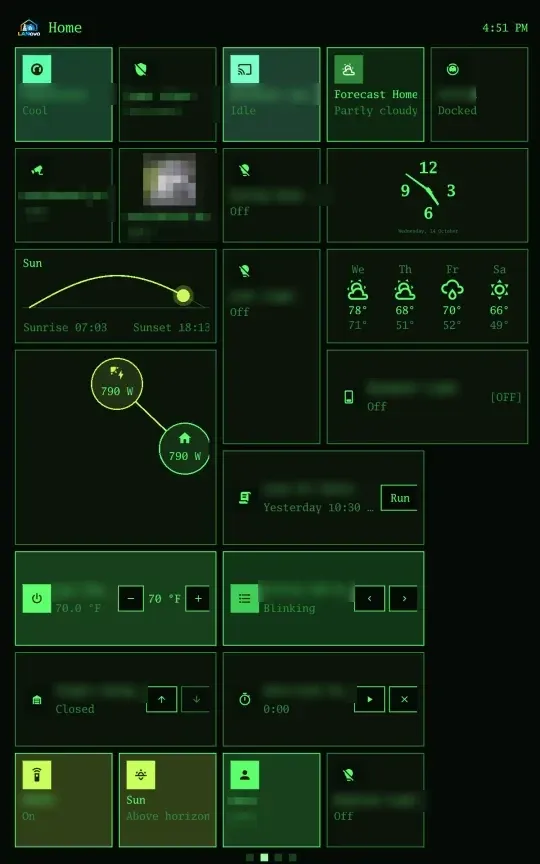
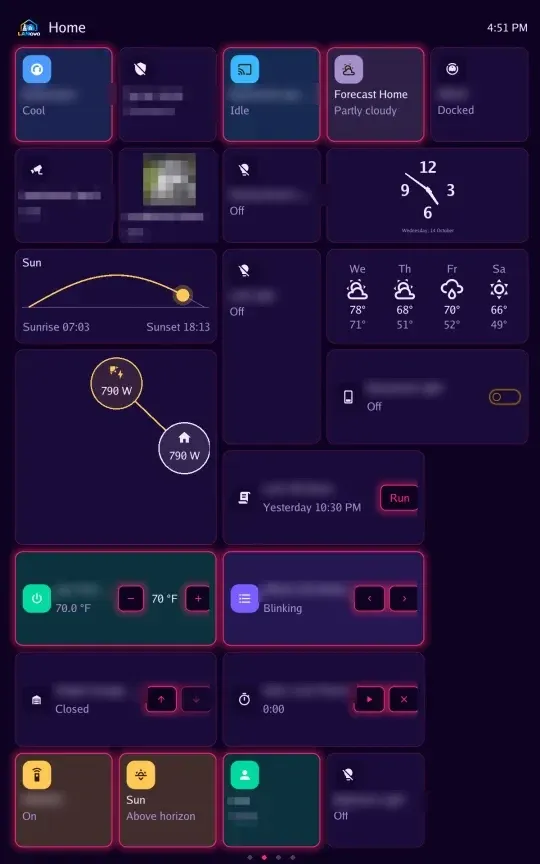
Terminal with Phosphor; Neon with Synthwave.
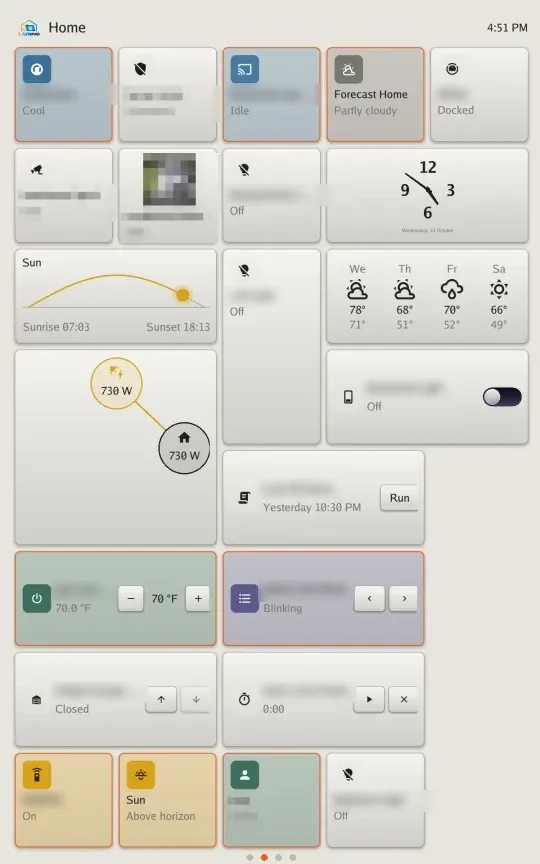
Skeuo with Braun.
Settings → Display → Size: Mini, Compact, Medium, Large, Extra large.