The screen saver
On the Echo Shows.
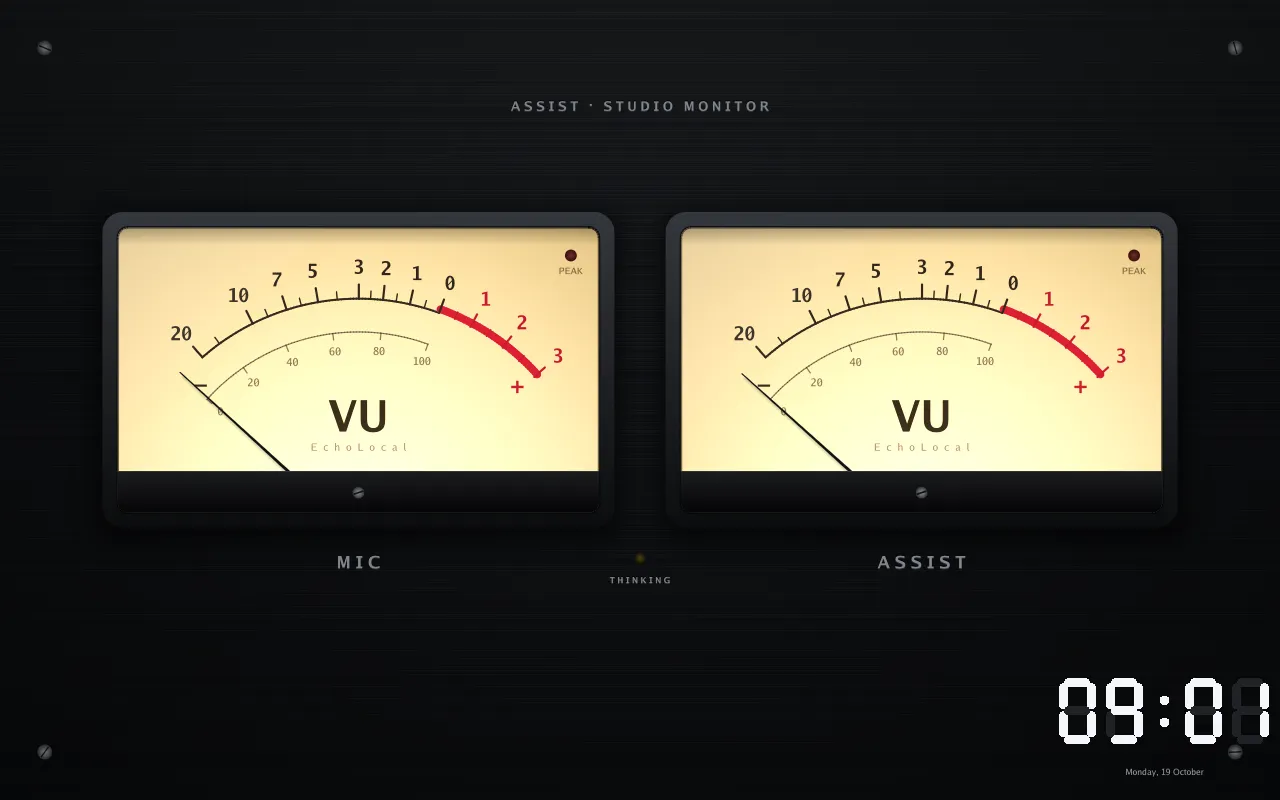
The screen saver shows a clock and up to two visuals.
Visuals

Section titled “Visuals”33 visuals, each reacting to the microphone, the speaker, or both. Show one full screen, or two side by side or stacked.
Settings
Section titled “Settings”Settings → Display → Screen saver:
- Mode: Native (EchoLocal’s clock and visuals) or Tessera (the screen saver set up in Tessera)
- Start after: 30 seconds, 1, 2, 5 or 15 minutes, or never
- Visual 1 and Visual 2: a visual, or None
- Visual 1 audio and Visual 2 audio: microphone, speaker or both
- Clock face, position, alignment and size, or no clock
- Weather: the screen saver’s own weather card and layout
- Visual label: text some visuals show
- Night mode: below
Every option, with its default and Home Assistant entity, is on Settings on the screen.
Night mode
Section titled “Night mode”Screen saver → Night mode:
- Mode: Dim, Dim to a clock (the default), Turn off the screen, or Nothing
- Darker than: room brightness, in lux (default 5)
- Starts after: how long it has to be that dark (default 5 minutes)
Waking
Section titled “Waking”Tap the screen.
Sleep in the dock starts the screen saver.