Intercom
Intercom lists every EchoLocal device and every LANovo device on your network, found automatically. Open it from the dock or the Apps screen.
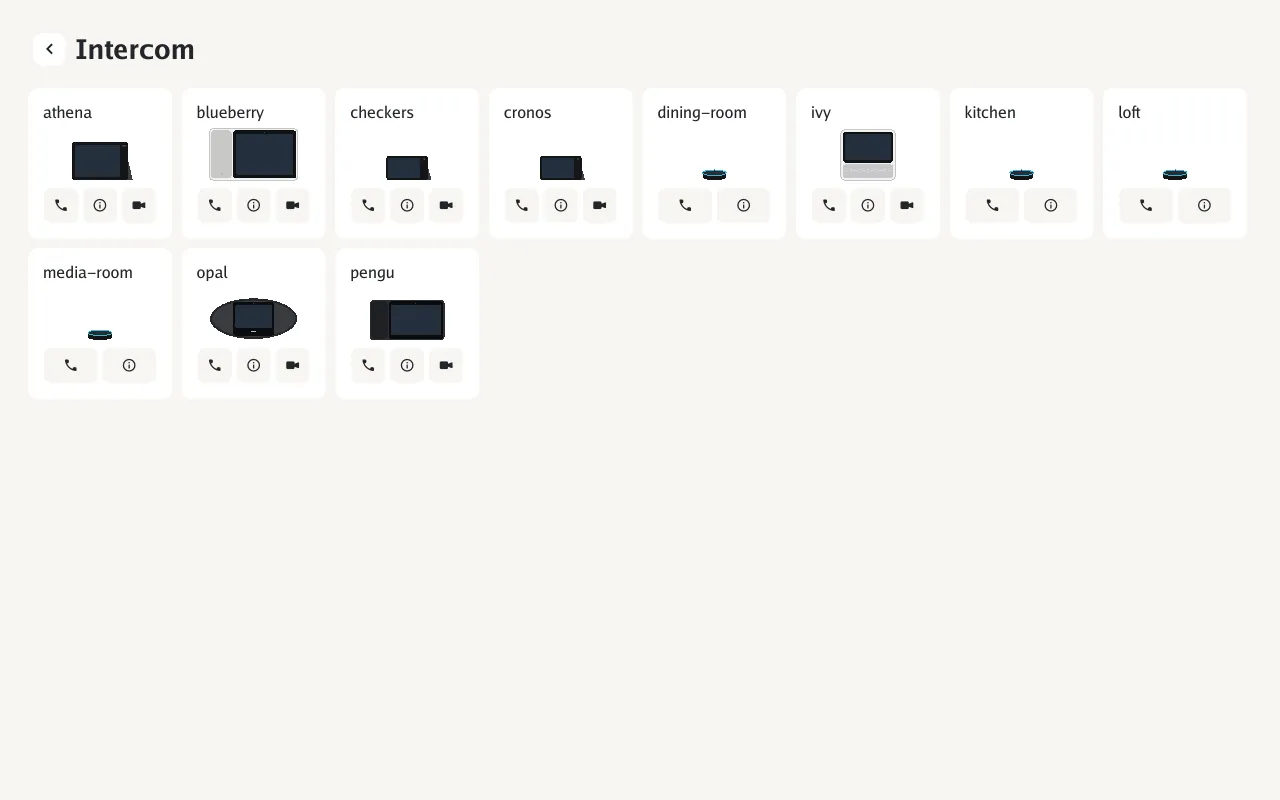
Tap the phone button for audio or the camera button for video. Video needs a camera on both ends. During a call: mute, camera off, hang up.
The Echo Dot takes audio calls: tap the action button to answer, tap volume down to decline. It places them by voice. The ring shows Ring for an incoming call and Ring during a call.
Tap a device’s info button to see its model, address, version, whether it’s in this home, and what it can do: calls, video calls, broadcasts, settings sync.
Calling by voice
Section titled “Calling by voice”With the EchoLocal integration installed, say “call the kitchen” (or “ring”, “intercom”) to any assistant. Between two devices with cameras, “video call the kitchen” starts a video call. The name doesn’t have to be exact; the closest match is called. Turn either off with the voice triggers.
Automations can do the same with the device’s call action, for example on a device named Hallway:
action: esphome.hallway_calldata: peer: kitchen video: falseCalling from Home Assistant
Section titled “Calling from Home Assistant”With the EchoLocal integration, an Echo Show’s card has a phone button: call the Show from a dashboard in a browser or the Home Assistant app, with audio or video. Sound and video go straight between the browser and the Show, so the browser has to be on the same network.
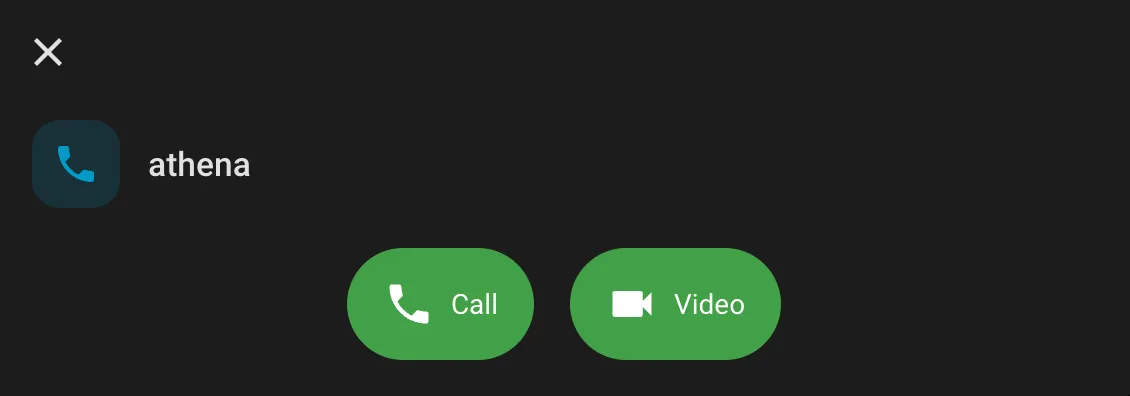
During a video call, the button beside hang-up, or a double-click on the picture, goes full screen.
The Show sees who is calling by their Home Assistant user. To have it answer some of them on its own, set Answer from to Selected and pick them under Users. The list shows the people in Home Assistant that are linked to a user, under Settings → People.
Broadcasts
Section titled “Broadcasts”Say “broadcast” or “announce” and speak your message after the tone. It ends when you stop talking, up to 30 seconds, and plays on every other device in this home. “Broadcast dinner is ready” sends the words as speech instead, using the assistant’s voice; this needs the EchoLocal integration.
A device receiving one plays a chime, then the message; an Echo Show also shows who it’s from. Broadcasts don’t play during a call or while an alarm rings. Turn Receive broadcasts off to stop getting them.
The broadcast action plays an audio file instead: pass its URL as message.
Home key
Section titled “Home key”Devices with the same Home key are in one home. Calls and broadcasts only go between devices in the same home; a device that isn’t shows Not in this home and can’t be called. Devices with no key are all in one home together.
Set the same key on each device under Settings → System → Home key, or with the Home key entity in Home Assistant on the Echo Dot. The key itself is never sent over the network. A device on an older version of EchoLocal only works with devices that have no key.
Answering
Section titled “Answering”Tap to answer. Every option is under Settings → Connected services → Intercom and in Home Assistant:
| Setting | Default | |
|---|---|---|
| Incoming calls | Accept calls | On |
| Receive broadcasts | Play broadcasts from other devices | On |
| Auto-answer | Answer automatically | Off |
| Answer from | Auto-answer Everyone, or Selected: the devices you pick under Panels, the Home Assistant users you pick under Users, and calls from the web page when Auto-answer API calls is on | Everyone |
| Auto-answer with camera on | Send video when auto-answering | Off |
| Pause wake word during calls | On | |
| Video stream | Main or sub stream (not on the Echos, which send the main stream) | Main |
| Ring, Video ring, Ringback | Tones, including custom ones | Ring, Ring, Ringback |
The Call and Call with sensors in Home Assistant show the call in progress.